Choosing between Karbon and TaxDome is not simply a matter of comparing two workflow tools. The bigger decision is how much of your accounting firm’s operation you want one platform to control.
Karbon combines workflow management with integrated email, team collaboration, client management, billing, payments, engagements, and other practice management capabilities.
TaxDome takes the all-in-one model further, combining workflow with CRM, a client portal, document storage, e-signatures, client communication, proposals, payments, intake forms, and other client-facing tools.
For some firms, consolidating more functions into one system is exactly the goal. For others, the real problem is much narrower: recurring work is difficult to track, deadlines are getting missed, and the team needs a better way to manage who is responsible for what.
That distinction should drive your decision.
The 30-Second Decision
Choose Karbon if: email collaboration, workflow, billing, and team communication need to live together.
Choose TaxDome if: you want to consolidate workflow, CRM, documents, client communication, e-signatures, payments, and your client portal into a broader platform.
Consider Jetpack Workflow if: your firm already has tools for client communication, billing, documents, and portals, but recurring work, deadlines, and workflow visibility are still the problem.
Karbon vs TaxDome: Start With the Problem You Are Trying to Solve
Feature lists can make Karbon and TaxDome look more similar than they actually are.
A better comparison starts with the operational problem inside your firm.
| If Your Main Problem Is… | Best Fit to Investigate | Why |
|---|---|---|
| Email overload and team collaboration | Karbon | Integrated email and collaboration are central to Karbon’s approach. |
| Too many separate client-facing tools | TaxDome | TaxDome consolidates portals, documents, CRM, communication, e-signatures, payments, and workflow. |
| Recurring jobs and deadlines are difficult to manage | Jetpack Workflow | Jetpack focuses directly on recurring accounting workflows, deadlines, assignments, and visibility. |
| You want one broad practice platform | Karbon or TaxDome | Both extend significantly beyond basic workflow management. |
| You like your current software stack but need better workflow | Jetpack Workflow | You can address the workflow problem without replacing systems that already work. |
What You Are Actually Buying With Karbon
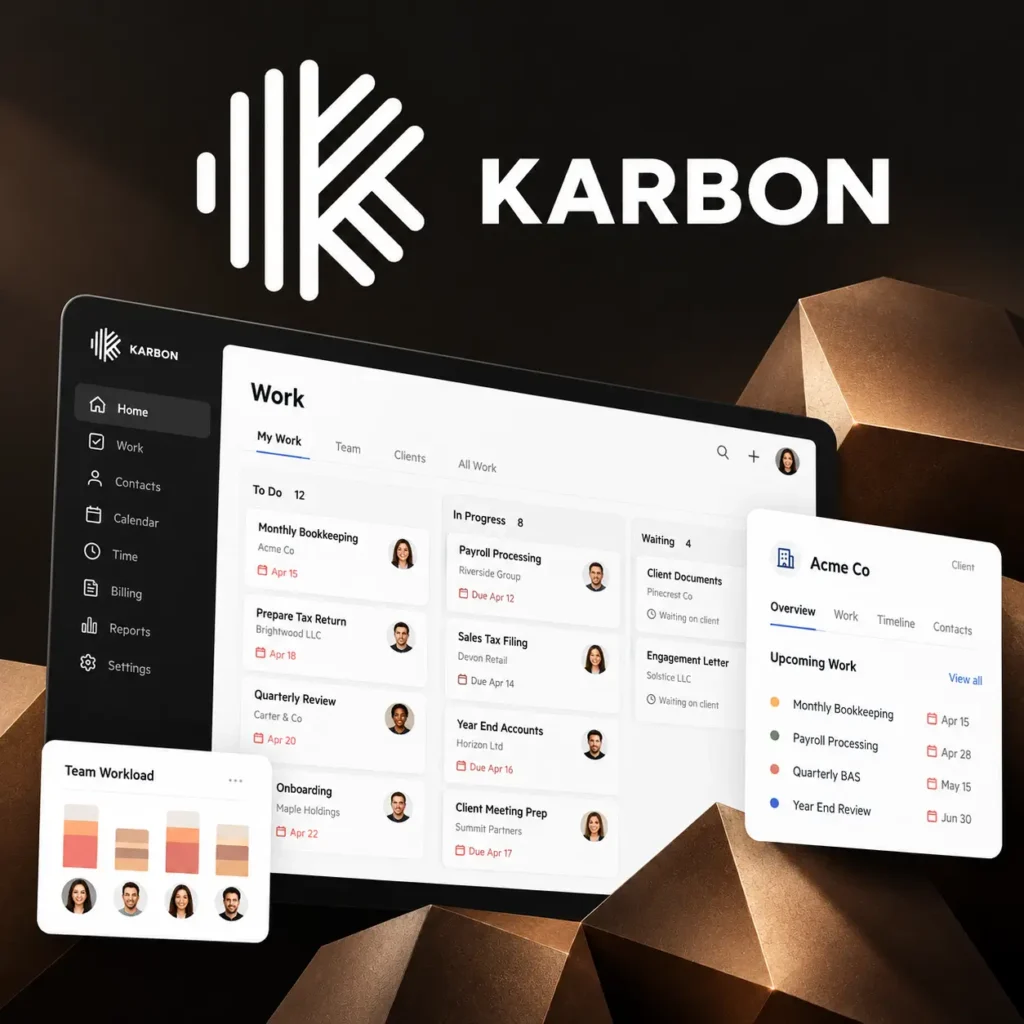
Karbon is designed around collaboration inside an accounting practice.
Its Team plan combines integrated email, workflow and to-do lists, team collaboration, time tracking and budget reporting, billing, payments, and engagements. Karbon also provides client management, a client portal, document management, and integrations.
The Business plan adds capabilities such as automatic client reminders, task automation, and industry integrations.
Where Karbon Makes the Most Sense
- Your team spends significant time managing client work through email.
- Several employees need to collaborate around the same clients and jobs.
- You want workflow, communication, billing, and collaboration connected.
- You want a broader accounting practice management platform.
- You are willing to invest time in implementing a more comprehensive system.
Where Karbon May Be More Than You Need
If email collaboration is not one of your firm’s major bottlenecks, some of Karbon’s strongest differentiators may matter less to you.
This is especially relevant for smaller firms that already have established systems for email, billing, document management, and client communication but simply need better control over recurring work.
What You Are Actually Buying With TaxDome
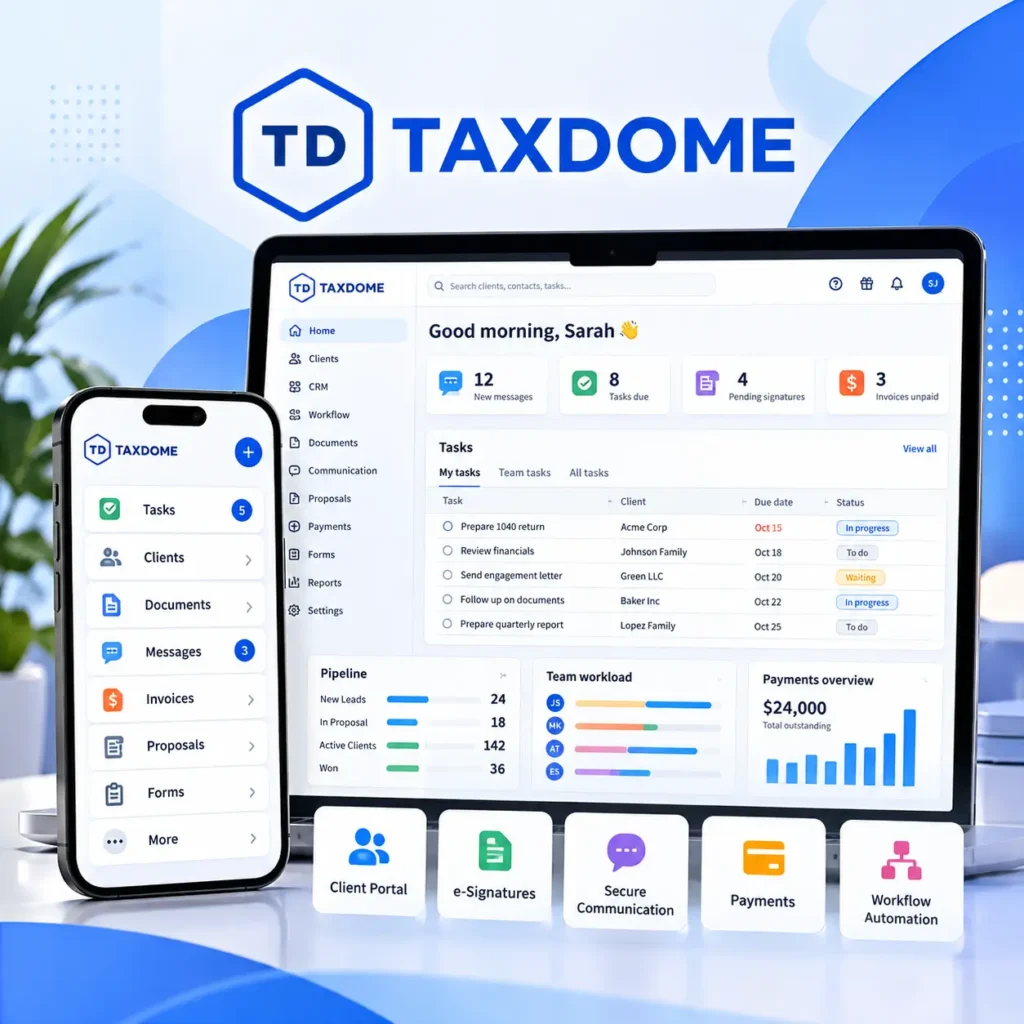
TaxDome takes a broader consolidation approach.
Its platform includes CRM, client portals, workflow automation, document storage, e-signatures, integrated email and secure communication, proposals, payments, intake forms, and other capabilities intended to bring more of the firm’s technology stack into one system.
For firms that actively want to reduce the number of separate platforms they use, this can be attractive.
Where TaxDome Makes the Most Sense
- You want an integrated client portal and mobile client experience.
- You want document storage and e-signatures inside the same system.
- You want CRM, workflow, proposals, communication, and payments together.
- Your firm wants to consolidate several existing applications.
- You are comfortable committing to a broader platform.
Where TaxDome May Be More Than You Need
TaxDome’s value proposition becomes less compelling if your firm already has a portal, document system, billing process, e-signature tool, and communication stack that employees and clients are happy with.
In that situation, moving everything into another platform can turn a workflow problem into a much larger software migration project.
The Question Most Comparison Pages Miss
Do you actually want to replace your current software stack? If the answer is no, comparing two broad practice management suites may be solving a bigger problem than your firm actually has.
Karbon vs TaxDome Feature Comparison
| Capability | Karbon | TaxDome | Jetpack Workflow |
|---|---|---|---|
| Accounting workflow | Yes | Yes | Yes |
| Recurring work | Yes | Yes | Core focus |
| Integrated email | Yes | Yes | Not a core feature |
| Client portal | Yes | Yes | No native portal |
| CRM | Client management | Yes | Client/work records |
| Document management | Yes | Yes | Works alongside existing tools |
| Billing and payments | Yes | Yes | Use existing billing stack |
| E-signatures | Available | Included | Use existing tool |
| Primary positioning | Collaborative practice management | All-in-one practice management | Focused accounting workflow management |
Feature availability can vary by plan and may change. Verify current product specifications with each provider before making a purchasing decision.
Already Have a Portal, Billing System, and Document Stack?
Then you may not need another platform to replace them. Jetpack Workflow focuses on recurring client work, deadlines, templates, assignments, and team visibility.
Karbon vs TaxDome Pricing in 2026
The pricing models are another important difference.
Karbon offers Team and Business plans priced per user, with annual and monthly billing options. TaxDome uses annual or multi-year full-term seats for its primary plans, while offering certain monthly or seasonal seat options for temporary staff.
| Product / Plan | Current Listed Price | Billing Structure |
|---|---|---|
| Jetpack Workflow Starter | $40/user/month | Billed annually |
| Jetpack Workflow Premium | $50/user/month | Billed annually |
| Karbon Team | $59/user/month | Paid annually |
| Karbon Business | $89/user/month | Paid annually |
| TaxDome Essentials | $800/year | 1-year commitment, solo users only |
| TaxDome Pro | $1,000/year per seat | 1-year commitment |
| TaxDome Business | $1,200/year per seat | 1-year commitment |
US pricing checked in October 2026. Prices exclude taxes, add-ons, implementation costs, payment processing fees, discounts, and other software costs. TaxDome offers lower annualized rates with multi-year commitments. Always verify current pricing directly with each provider.
The Cost Question Is Bigger Than the Subscription
Subscription price is only one part of software cost.
If moving to a new system means migrating client documents, retraining employees, changing client communication, replacing billing processes, rebuilding automations, or asking clients to adopt a new portal, those changes have an operational cost too.
That does not mean an all-in-one platform is the wrong decision. Consolidation can be valuable when consolidation is actually the goal.
But if your firm’s problem is simply that recurring work is difficult to manage, replacing six other systems may be unnecessary.
The Third Option: Keep Your Stack and Fix the Workflow
This is where Jetpack Workflow enters the comparison.
Jetpack Workflow is not trying to become your client portal, email inbox, e-signature platform, payment processor, and document management system.
Its focus is the operational layer underneath recurring accounting and bookkeeping work:
- Recurring projects and tasks
- Due dates and deadline visibility
- Standardized workflow templates
- Team assignments and accountability
- Workload and capacity visibility
- Updating recurring processes as your firm’s procedures change
For firms that already have QuickBooks, email, document storage, billing, e-signature, and client communication tools they like, this can be a much smaller operational change.
Instead of asking, “Which system can replace the most software?”, the question becomes:
“What is the smallest software change that solves our actual bottleneck?”
Which Platform Fits Your Firm?
| Firm Scenario | Strongest Fit to Evaluate |
|---|---|
| Email collaboration is creating operational problems | Karbon |
| You want to consolidate your portal, CRM, documents, e-signatures, payments, and workflow | TaxDome |
| Your existing software stack works, but recurring jobs are slipping | Jetpack Workflow |
| You need workflow plus deep team communication | Karbon |
| The client portal is central to your technology strategy | TaxDome |
| You want focused workflow software without replacing client-facing systems | Jetpack Workflow |
Karbon vs TaxDome: Final Verdict
There is no universal winner between Karbon and TaxDome because they are strongest for different operating models.
Karbon is a strong choice when collaboration, integrated email, workflow, and broader practice management need to work together.
TaxDome makes sense when your firm wants a broad all-in-one system with workflow, CRM, a client portal, documents, e-signatures, communication, and payments under one roof.
But neither approach is automatically better simply because it includes more features.
If your firm already has a technology stack that works and your real pain is recurring work, missed deadlines, inconsistent processes, or limited visibility into who is doing what, Jetpack Workflow provides a more focused third option.
You can also compare each platform directly with Jetpack Workflow in our Jetpack Workflow vs Karbon and Jetpack Workflow vs TaxDome comparisons.
Solve the Workflow Problem First
Build one of your firm’s real recurring workflows in Jetpack Workflow and see whether you can solve the operational bottleneck without replacing the rest of your software stack.
Frequently Asked Questions
What is the main difference between Karbon and TaxDome?
Karbon emphasizes collaborative practice management, including integrated email, workflow, team collaboration, billing, and client management. TaxDome takes a broader all-in-one approach that combines workflow with CRM, a client portal, documents, e-signatures, communication, payments, and other client-facing tools.
Is Karbon or TaxDome better for small accounting firms?
It depends on the firm’s needs. Karbon can be attractive when team collaboration and email are major operational requirements. TaxDome can make sense when a firm wants to consolidate several client-facing tools. Firms mainly struggling with recurring work and deadlines should also consider a focused workflow platform such as Jetpack Workflow.
How much does Karbon cost?
Karbon currently lists Team at $59 per user per month paid annually and Business at $89 per user per month paid annually. Monthly pricing is also available for qualifying teams. Pricing can change, so verify current rates directly with Karbon.
How much does TaxDome cost?
For US firms, TaxDome currently lists Essentials at $800 per year for solo users, Pro at $1,000 per year per seat, and Business at $1,200 per year per seat for one-year commitments. Multi-year pricing and temporary seat options are also available.
What is an alternative to both Karbon and TaxDome?
Jetpack Workflow is an alternative for accounting and bookkeeping firms that primarily need recurring workflow management, deadlines, templates, assignments, and team visibility without replacing their existing portal, billing, email, and document systems.