Workflow Diagram: 1041 Estates & Trusts Process Sheet

Putting together a robust 1041 Tax Return for Estates & Trusts Process Sheet for Accountants & CPA Firms can be challenging, which is why we wanted to go over our recommendation for how to setup a process sheet.

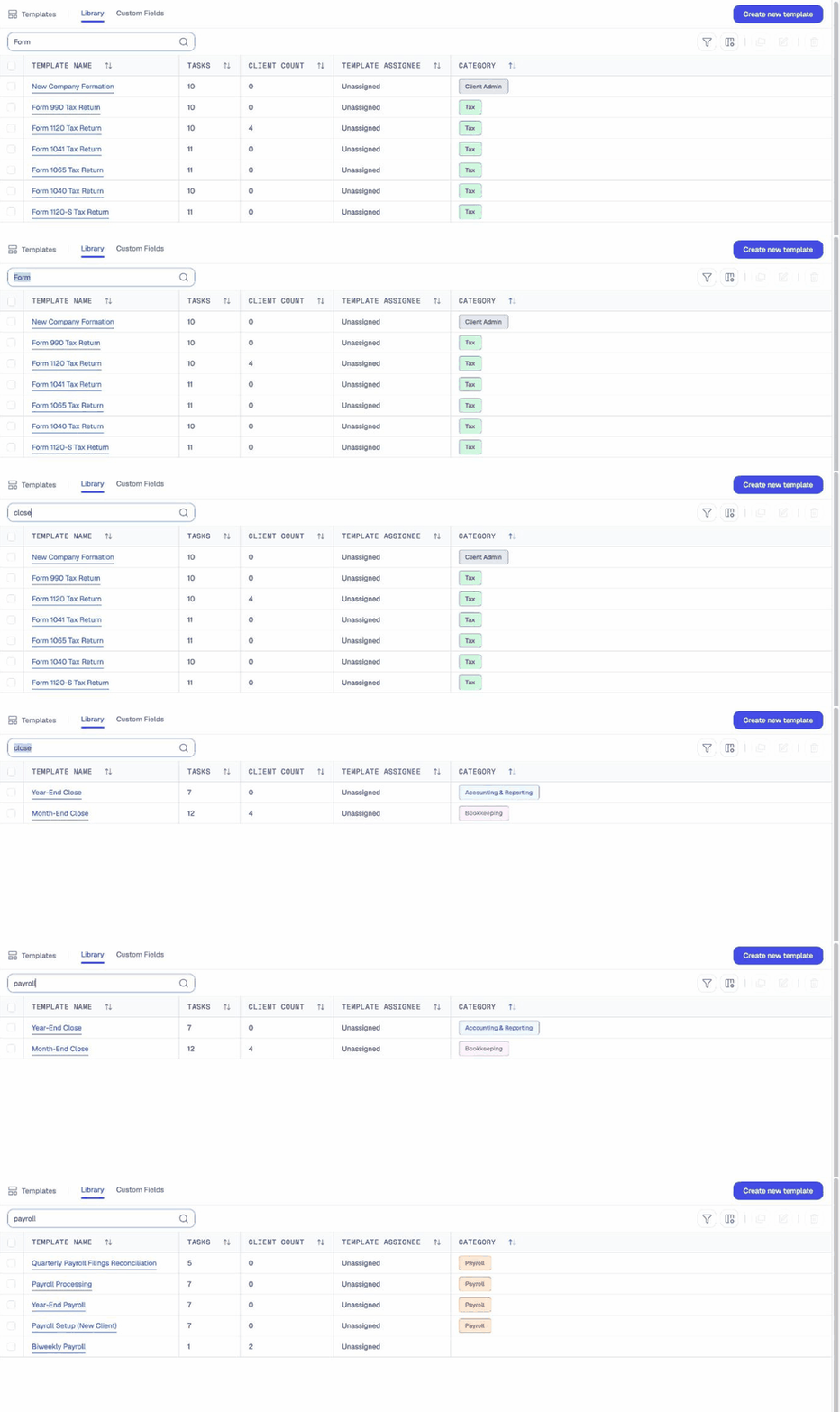
Form 1041 Tax Return template · 11 tasks · included free
Skip the setup. This 1041 process sheet is already built in Jetpack Workflow.
Load every step below for all of your clients in one click. Each task gets an owner and a due date, including K-1s to beneficiaries.
- Send engagement letter and information request / organizer
- Receive signed engagement letter, trust documents, and client information
- File extension if information won’t be ready by the deadline
- Prepare return
- Review return and clear review notes
- Send return to client for review with Form 8879-F
- Receive signed Form 8879-F
- E-file return and confirm acceptance
- Distribute K-1s to beneficiaries
- Deliver final return and save to client file
- Send invoice and confirm payment
Use this template free Watch full demo
14-day free trial. Includes all 40 accounting workflow templates.
The importance of having a well defined process sheet will help your firm become more productive and profitable. By having a transparent view of your client work, you’ll understand the status of each job, the key metrics behind it, and deliver a service that is highly relevant, valuable, and consistent. With that in mind, we like to breakout the process sheet in three distinct parts: The Foundation, Process and Fulfillment, and Metric Review. Let’s dive into each one.
Bucket 1: The Foundation
In the foundation, we setup key data points as well as key metrics. Most importantly, we recommend tracking turn around time, budgeted hours, as well as price to client. Depending on your firm, you might leave out price to client, but that is entirely up to you.
Bucket 2: Processing & Fulfillment
The next stage is processing and fulfillment of the 1041. This is where the “work” is completed. This is where you can lay out the tasks, due date, triggers, allocated task time. This is also the place where you can setup default statuses and track various milestones.
Bucket 3: Metric Review
Finally, and perhaps are favorite part, would be the metric tracking and review. In this final “bottom” section, we get to review things like our profit margins, budgeted vs actual turn, as well as budgeted vs actual hours. To continue to drive your accounting firm or practice towards profitability (or becoming more profitable), this section is a must!
For more information on the 1041 Tax Return for Estates & Trusts Process Sheet for Accountants, please sure to view the video below.
This is 1 of 40 templates included in Jetpack Workflow
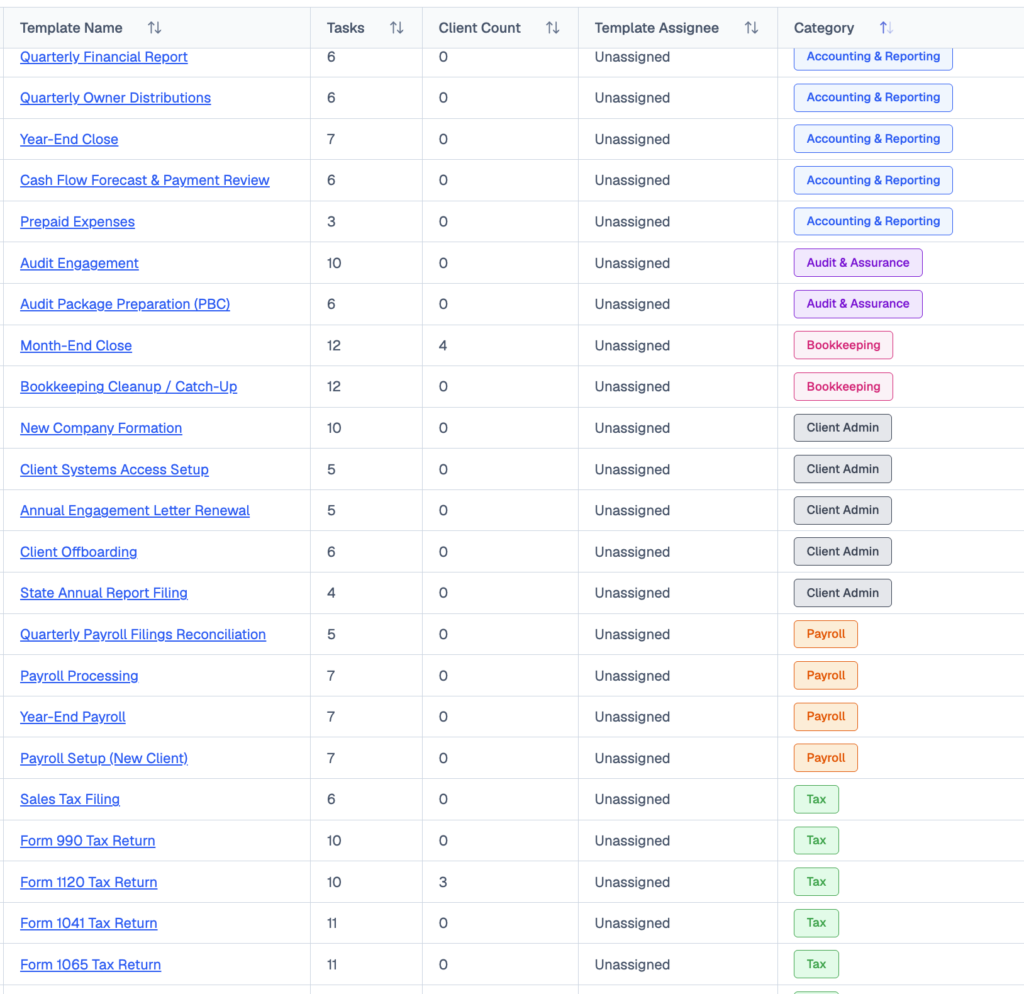
Tax, bookkeeping, payroll, month-end close, audit prep and client onboarding: 291 ready-to-run tasks, available the day you sign up. Templates that pair with your 1041 workflow:
- Form 1040 Tax Return · 10 tasks
- Tax Extension · 6 tasks
- Tax Planning & Projection · 6 tasks
- Form 1065 Tax Return · 11 tasks
Share this article