How Accounting Firms Can Fix Broken Workflows Before Automating
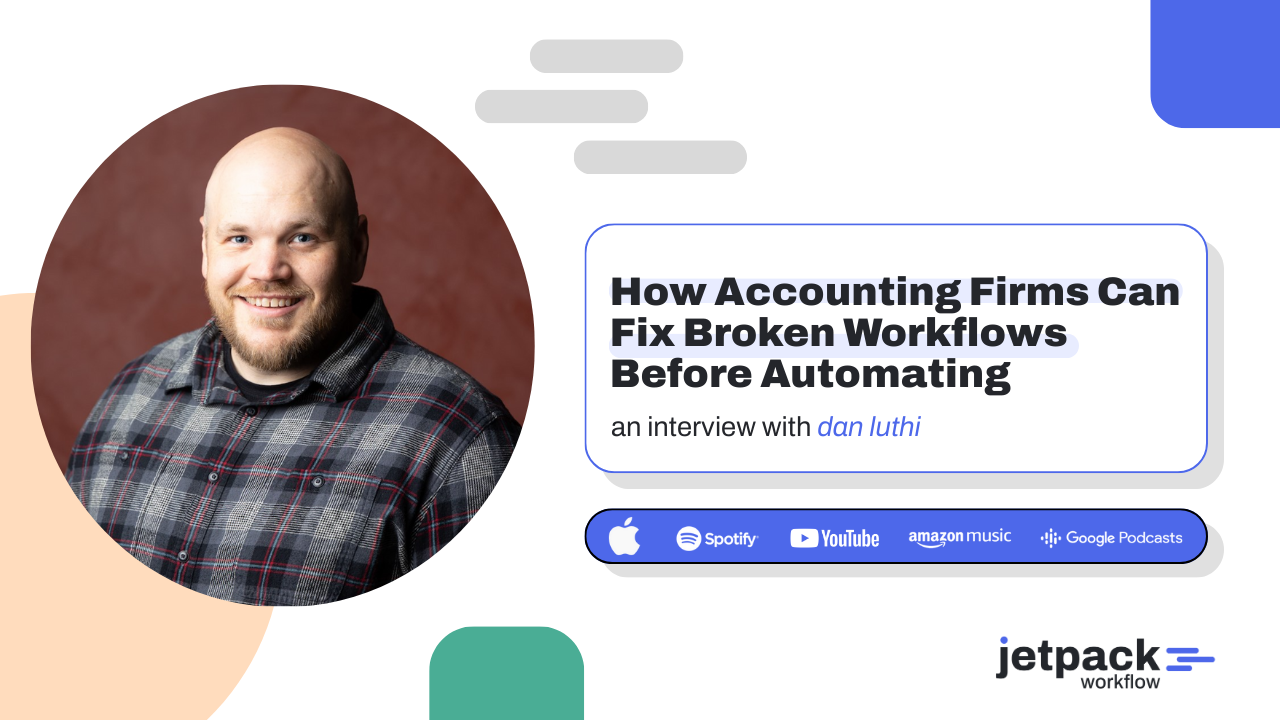
Leaders across the accounting profession are reexamining how firms design their workflows as growth, complexity, and client expectations continue to rise. In this lightning talk from the Growing Your Firm Summit, Dan Luthi explains why many accounting firms experience inefficiency and burnout long before automation ever delivers meaningful results.
Drawing on his experience building workflows and financial systems at Ignite Spot Accounting, Dan breaks down the real cost of broken processes and shares a practical framework for fixing them. The session focuses on defining, documenting, and refining workflows before automating, helping firms reduce rework, improve visibility, and create systems that scale without adding unnecessary complexity.
Key Takeaways
-
Broken workflows create hidden costs through rework, confusion, and burnout.
-
Automation should come after workflows are clearly defined and documented.
-
Most inefficiencies come from unclear handoffs and inconsistent client inputs.
-
Simplifying workflows often delivers more impact than adding new software.
-
Small daily improvements compound into significant annual time savings.
Jetpack Workflow Free Trial
Accounting firms can fix broken workflows by clearly defining, documenting, and refining their processes before introducing automation. Automating chaos only makes inefficiencies move faster.
This matters now because many firms are investing heavily in new tools while still struggling with missed handoffs, client confusion, and team burnout. Without strong workflow foundations, technology becomes a liability instead of a lever for growth.
What Does a Broken Workflow Look Like in an Accounting Firm?
A broken workflow is rarely obvious at first. It usually shows up as friction that feels normal over time.
Common symptoms include:
-
Team members repeatedly asking for the same client information
-
Work being sent back and forth due to unclear ownership
-
Multiple tools doing overlapping jobs
-
Clients unsure where or how to submit documents
-
Managers stepping in to resolve preventable issues
“Broken workflows do more than slow work down.” – Dan Luthi
They create chaos that erodes confidence, both internally and with clients. Over time, this chaos becomes a major contributor to burnout.
Why Automating Broken Workflows Makes Problems Worse
Automation does not fix broken workflows. It amplifies them.
When firms automate before understanding their processes, they often:
-
Lock inefficiencies into software
-
Add more tools to compensate for unclear steps
-
Increase complexity for clients and staff
-
Create rigid systems that are difficult to fix later
Automation works best when it supports a clear process. Without that clarity, even the best tools introduce more friction.
How Should Accounting Firms Fix Workflows Before Automating?
Fixing workflows requires discipline, not technology. Dan Luthi outlined a practical, repeatable framework that firms can apply to any process.
1. Define the Goal Clearly
Every workflow must start with a specific outcome. “Deliver quality books” is not a goal. “Deliver monthly financial statements by the 15th using complete client data” is.
Clear definition prevents assumptions and sets expectations for everyone involved.
2. Document the Process End to End
Documentation is not bureaucracy. It is visibility.
Writing down each step reveals:
-
Where information is missing
-
Where manual work repeats
-
Where decisions stall progress
This step often exposes issues teams did not realize existed.
3. Refine Before Automating
Refinement is where improvement happens.
At this stage, firms should:
-
Remove unnecessary steps
-
Consolidate client touchpoints
-
Clarify responsibilities
-
Reduce handoffs
Only after refinement should automation be considered.
What Are the Most Common Workflow Bottlenecks?
Most accounting workflow bottlenecks fall into a few predictable categories.
1. Decision Fatigue
Too many choices slow work down. This often comes from offering clients too many options for submitting documents or paying bills.
2. Poor Handoffs
Unclear ownership between team members leads to delays and rework.
3. Inconsistent Client Processes
Clients using different tools without clear standards increase internal complexity.
Identifying these bottlenecks requires asking why delays occur, not just where they occur.
How Can Firms Simplify Without Reducing Service Quality?
Simplification improves service when done intentionally.
Dan shared an example where his firm allowed clients to submit documents through many platforms to “meet them where they were.” While well intentioned, it created confusion internally.
Simplification came from:
-
Reducing the number of supported tools
-
Standardizing client workflows
-
Eliminating unused systems
This did not reduce flexibility. It increased efficiency and clarity.
Does Fixing Workflows Mean Reducing the Tech Stack?
Not always, but it often means using fewer tools more effectively.
Many firms use only 20 to 30 percent of a tool’s capabilities while layering multiple tools on top of each other. This creates cost, training burden, and fragmented data.
Simplifying the tech stack:
-
Reduces errors
-
Improves adoption
-
Lowers subscription and transaction costs
-
Improves client experience
In some cases, consolidating tools delivers more value than buying new ones.
How Do Small Workflow Improvements Create Big Gains?
Large transformations are not required to see meaningful results.
Saving 15 minutes per day:
-
Saves over one hour per week
-
Adds up to more than 50 hours per year
Small, consistent improvements compound. Starting small also makes change easier to adopt and sustain.
When Should Accounting Firms Reassess Their Workflows?
Not all workflows need constant review.
Best practice includes:
-
Reviewing core systems periodically to avoid disruption
-
Continuously refining client interaction workflows
-
Creating internal feedback loops for team input
Some firms use dedicated communication channels to surface friction points in real time, allowing incremental improvement without major disruption.
Conclusion
Accounting firms do not need more automation. They need better workflows.
By defining goals, documenting processes, and refining systems before automating, firms create clarity, reduce burnout, and improve client outcomes. Technology then becomes an accelerator, not a crutch.
If your firm is evaluating automation or struggling with workflow inefficiencies, start by fixing the process first. Strong workflow foundations make every future investment more effective.
Frequently Asked Questions
What causes broken workflows in accounting firms?
Broken workflows are caused by unclear processes, inconsistent client inputs, poor documentation, and premature automation.
Should accounting firms automate workflows first or last?
Automation should come last, after workflows are defined, documented, and refined.
Can fixing workflows reduce burnout?
Yes. Clear workflows reduce rework, interruptions, and decision fatigue, which are major drivers of burnout.
How often should workflows be reviewed?
Core systems should be reviewed periodically, while client-facing workflows should be refined continuously.
Do standardized workflows reduce client flexibility?
No. Standardization improves clarity and efficiency while still allowing controlled flexibility where needed.
Is workflow documentation worth the time?
Yes. Documentation reveals inefficiencies and prevents knowledge loss, making improvement possible.
Related Articles
- Questions Every Firm Leader Should Ask Before Taking Private Equity: Jennifer Wilson’s Guide
- How to Finance Accounting Firm Acquisitions: SBA Insights from Sarah Sharp and Shannon Hay
- I Sold My Accounting Firm: A Panel Discussion on the Process and Lessons
- Inside the Minds of Firm Buyers: Lessons from Accounting M and A Leaders
- The Future of Accounting Firms in an AI Driven World with Ryan Lazanis
- How Coaching Transforms Accounting Leaders: Lessons from Douglas Slaybaugh
- What is CAS Accounting? Services, Benefits and Growth
- How Tailor Hartman Took His Accounting Firm to 200K in Year 1
- Why Outsourcing plus Workflow Software is the Future of Accounting Firms
- AI Tools That Help Accounting Firms Scale Faster
- Real-Time Visibility Into Client Work and Team Capacity for Accounting Firms
Fix Your Firm’s Workflows Before Automating
If your firm is dealing with rework, unclear handoffs, or tools that are not delivering the efficiency you expected, it may be time to revisit how your workflows are designed.
See how Jetpack Workflow helps accounting firms standardize recurring work, improve visibility across teams, and build automation on top of clear, proven processes.
Share this article