Year-End Payroll Checklist for Accountants: W-2s, 941 and 940 (2027)
Year-end payroll is where a year of small payroll errors comes due. Names that don’t match Social Security records, fringe benefits that never hit a paycheck, quarterly 941s that don’t tie to the W-2s: all of it has to be fixed before W-2s go out. This checklist gives your firm one repeatable process for closing payroll on every client.
Below are the 2027 deadlines, the seven-step year-end payroll workflow, and a free template you can run for all of your payroll clients in Jetpack Workflow.
Key year-end payroll dates for tax year 2026
January 31, 2027 falls on a Sunday, so the January deadlines move to Monday, February 1, 2027.
| Filing | Due date |
|---|---|
| Form W-2 to employees | Monday, February 1, 2027 |
| Forms W-2 and W-3 to the Social Security Administration | Monday, February 1, 2027 |
| Form 941 for Q4 2026 | Monday, February 1, 2027 |
| Form 940 (annual FUTA) | Monday, February 1, 2027 |
State annual reconciliations and unemployment filings have their own dates. Add them to each client’s workflow when you set it up.
The year-end payroll checklist (step by step)
- Process the final payroll of the year, including bonuses and fringe benefits. Confirm year-end bonuses, taxable fringe benefits (such as personal use of a company vehicle or S-corp shareholder health insurance) and any manual checks are in the last payroll, so they land on the W-2.
- Verify employee names, addresses and SSNs. Mismatched names and SSNs are the most common cause of W-2 rejections and corrections. Check them against W-4s before anything is filed.
- Reconcile annual payroll to the quarterly 941s and the general ledger. Total wages and withholding on the four 941s should match the W-2 totals and the books. Fix differences now, before they turn into W-2c forms and notices.
- Review draft W-2s. Spot-check boxes for retirement contributions, health insurance and other benefits, and confirm state and local wages are reported in the right boxes.
- File W-2s and W-3 and distribute to employees. E-file with the SSA and deliver copies to employees by the deadline. Note any employees who need a mailed copy.
- File Form 940, the Q4 941 and state annual reconciliations. Close the federal and state filings for the year and confirm deposits were made on time.
- Send year-end reports to the client and save filings. Deliver the annual payroll summary and save every filing and confirmation to the client file for next year’s reconciliation.
Year-End Payroll template · 7 tasks · included free
Skip the setup. This year-end payroll checklist is already built in Jetpack Workflow.
Load every step below for all of your payroll clients in one click. Each task gets an owner and a due date counted back from February 1, so reconciliations happen in December, not the night before W-2s are due.
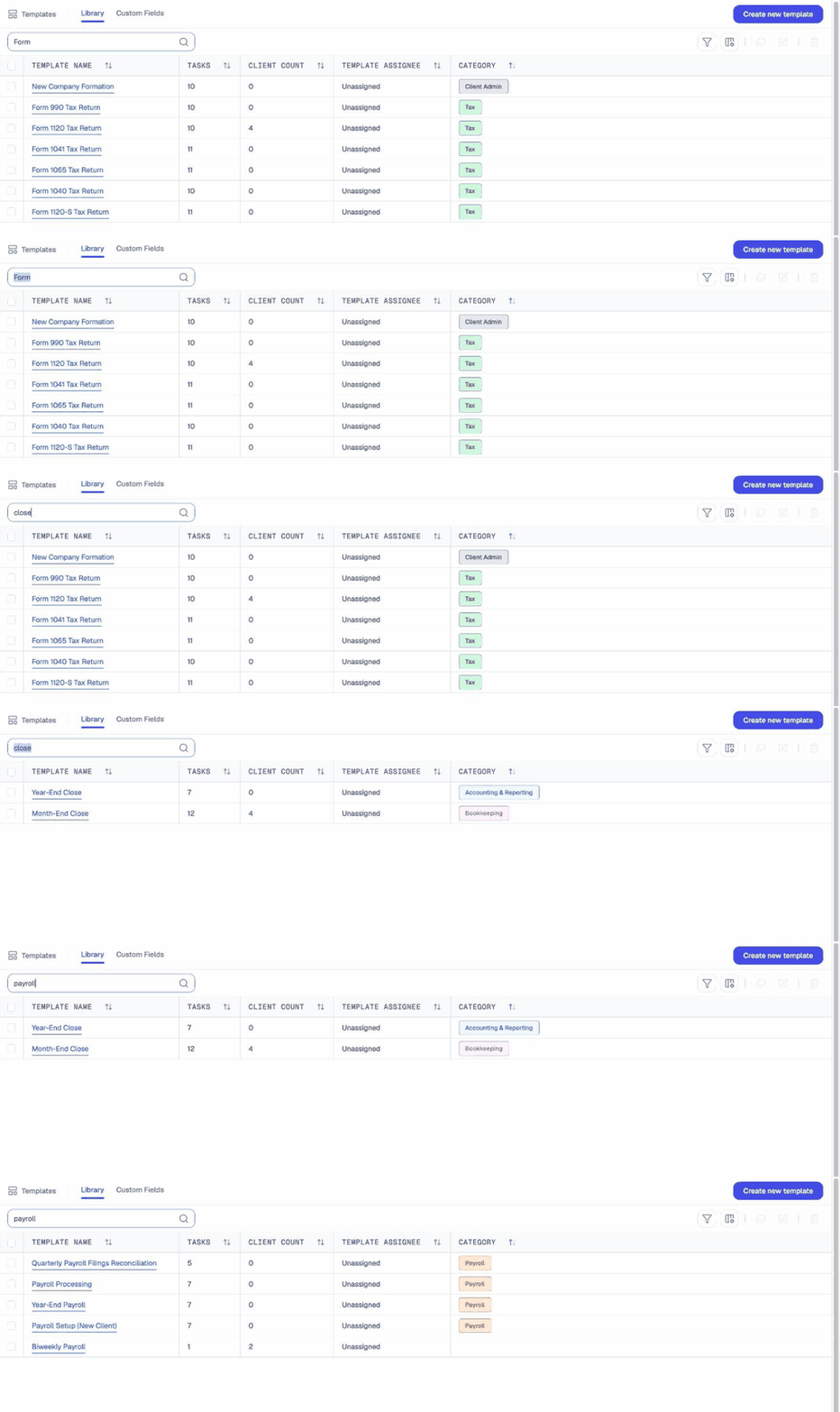
- Process final payroll of the year, including bonuses and fringe benefits
- Verify employee names, addresses, and SSNs
- Reconcile annual payroll to quarterly 941s and general ledger
- Review draft W-2s
- File W-2/W-3 and distribute to employees by the January deadline
- File Form 940, Q4 941, and state annual reconciliations
- Send year-end reports to client and save filings
Use this template free Watch full demo
14-day free trial. Includes all 40 accounting workflow templates.
Common year-end payroll mistakes
- Missing fringe benefits. Benefits added after the final payroll mean a W-2c. Step 1 confirms them before the last run.
- Name and SSN mismatches. Step 2 catches them before the SSA does.
- 941s that don’t tie to W-2s. Step 3 reconciles both to the general ledger, so totals match on the first filing.
- Forgotten state filings. Step 6 keeps state reconciliations on the same checklist as the federal forms.
How to close payroll for every client at once
Year-end payroll is the same seven steps for every client, but each client moves at a different speed. In Jetpack Workflow, you apply the year-end payroll template to every payroll client, assign each step to the right person and see at a glance which clients are still waiting on bonus amounts or employee updates. It pairs with the recurring Payroll Processing and Quarterly Payroll Filings Reconciliation templates, so year-end starts from clean quarters.
FAQ
When are W-2s due in 2027?
W-2s for tax year 2026 are due to employees and the SSA by Monday, February 1, 2027, because January 31 falls on a Sunday.
What should be reconciled before filing W-2s?
Reconcile total wages and withholding on the four quarterly 941s to the W-2 totals and to the general ledger. Differences should be fixed before filing.
When should year-end payroll work start?
Start in early December. Confirm bonuses, fringe benefits and employee details before the final payroll runs.
This is 1 of 40 templates included in Jetpack Workflow
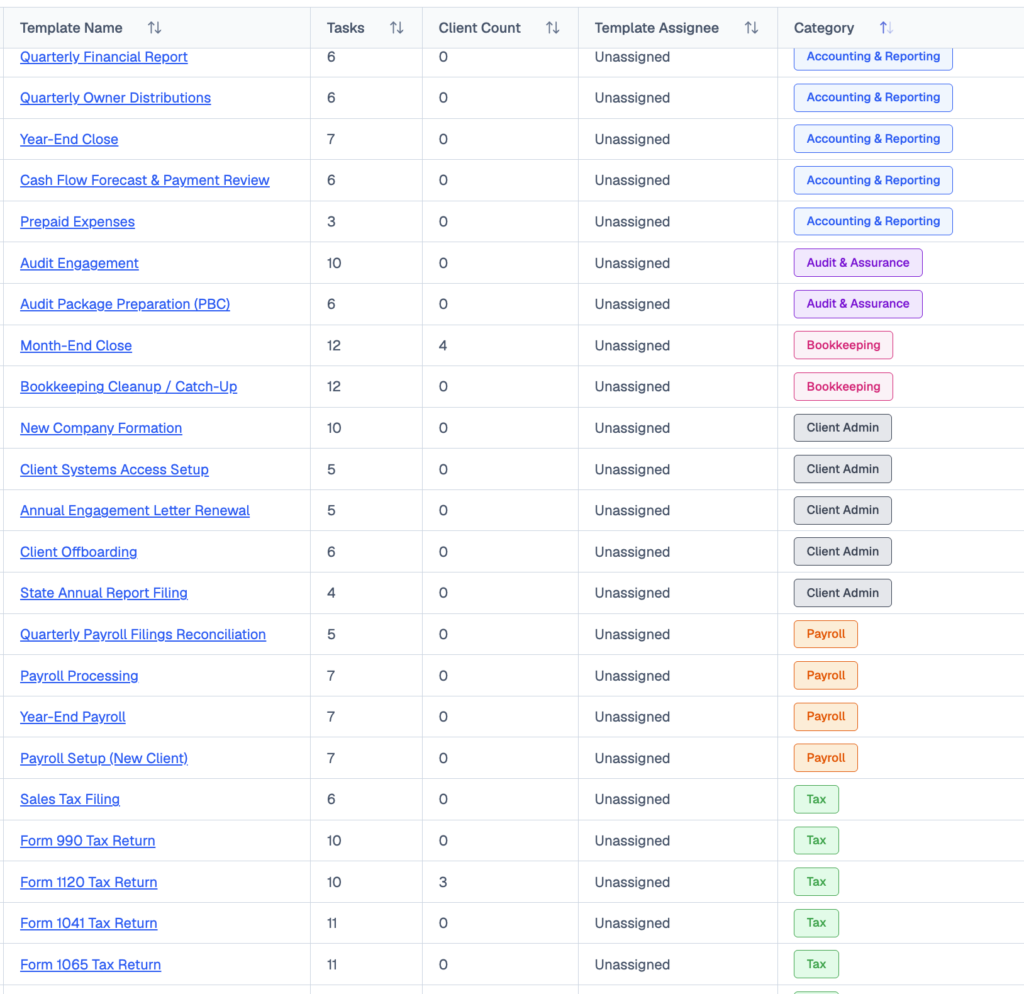
Tax, bookkeeping, payroll, month-end close, audit prep and client onboarding: 291 ready-to-run tasks, available the day you sign up. Templates that pair with your year-end payroll workflow:
- Payroll Processing · 7 tasks
- Quarterly Payroll Filings Reconciliation · 5 tasks
- Payroll Setup (New Client) · 7 tasks
- Annual 1099 Preparation & Filing · 6 tasks
Share this article